Vision V1.2 Coming Soon 🚀

Productivity
& Focus

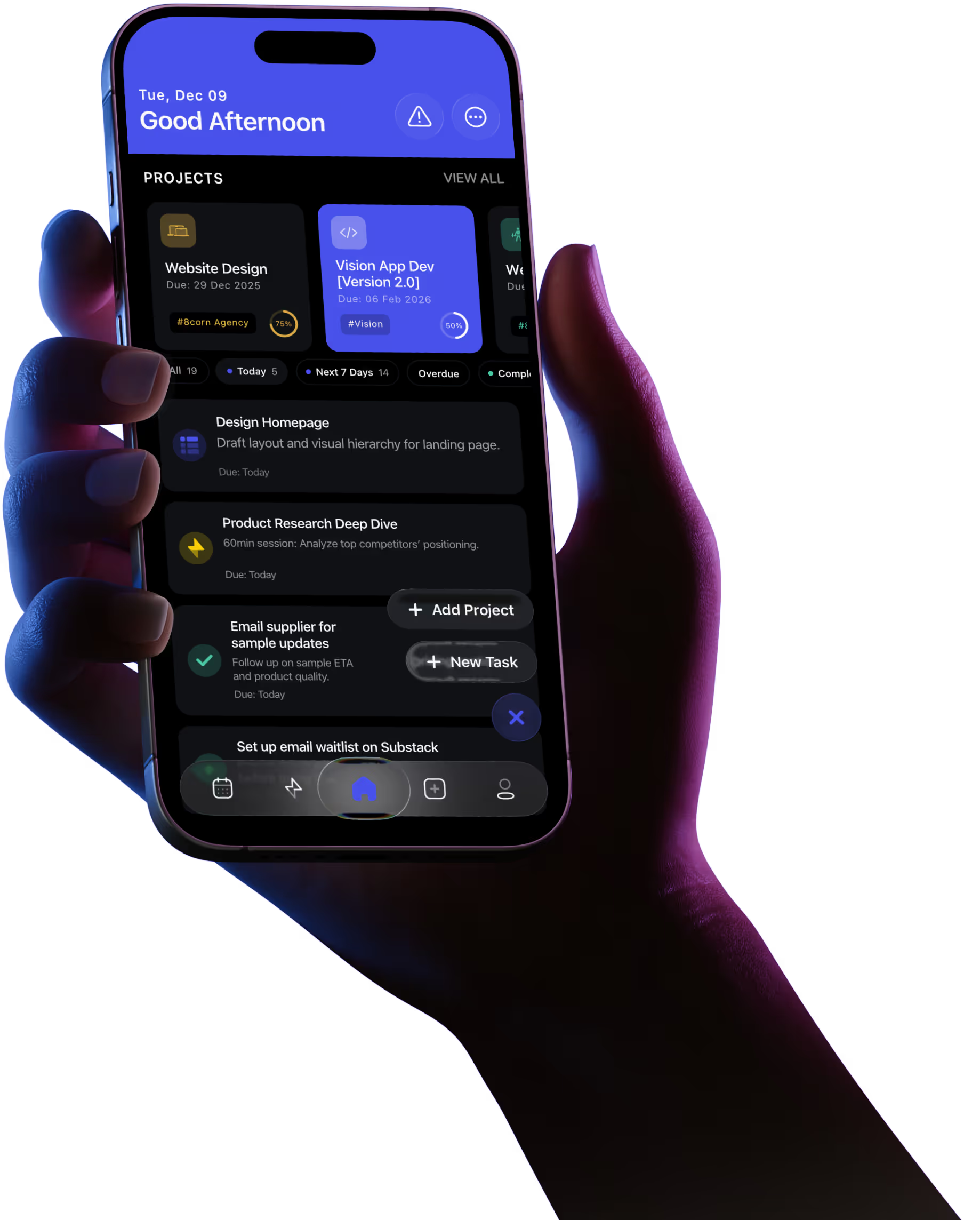
Vision App is a simple and beautiful productivity app designed to help you manage projects & tasks, stay focused, and move your life forward.

Stay on track and level up daily

Vision combines project tracking, focus timers, and gamified rewards into a system that actually makes you want to get things done.

Daily Planner

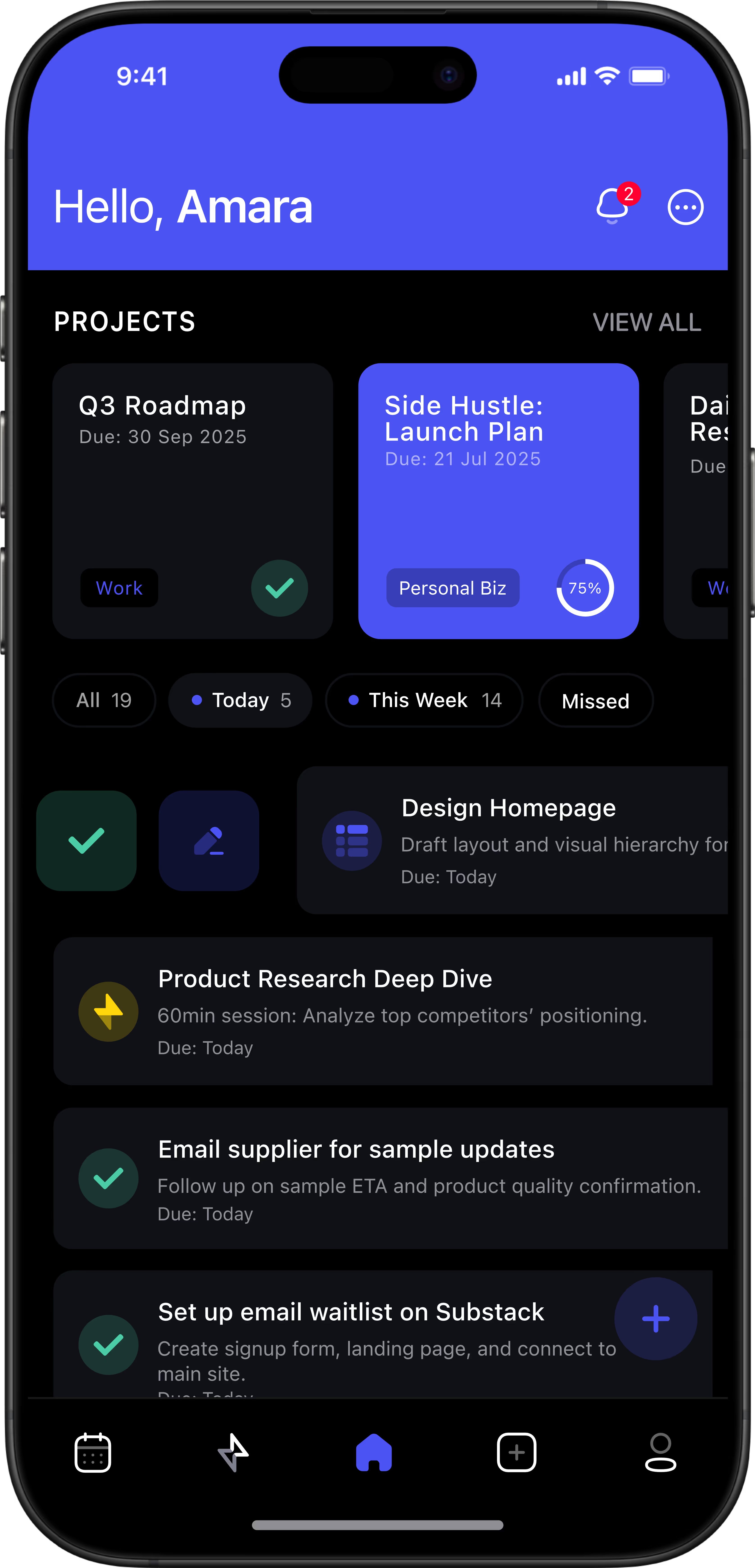
Plan your projects, manage your tasks, and track what matters. Vision gives you a clear view of your priorities all in one place.

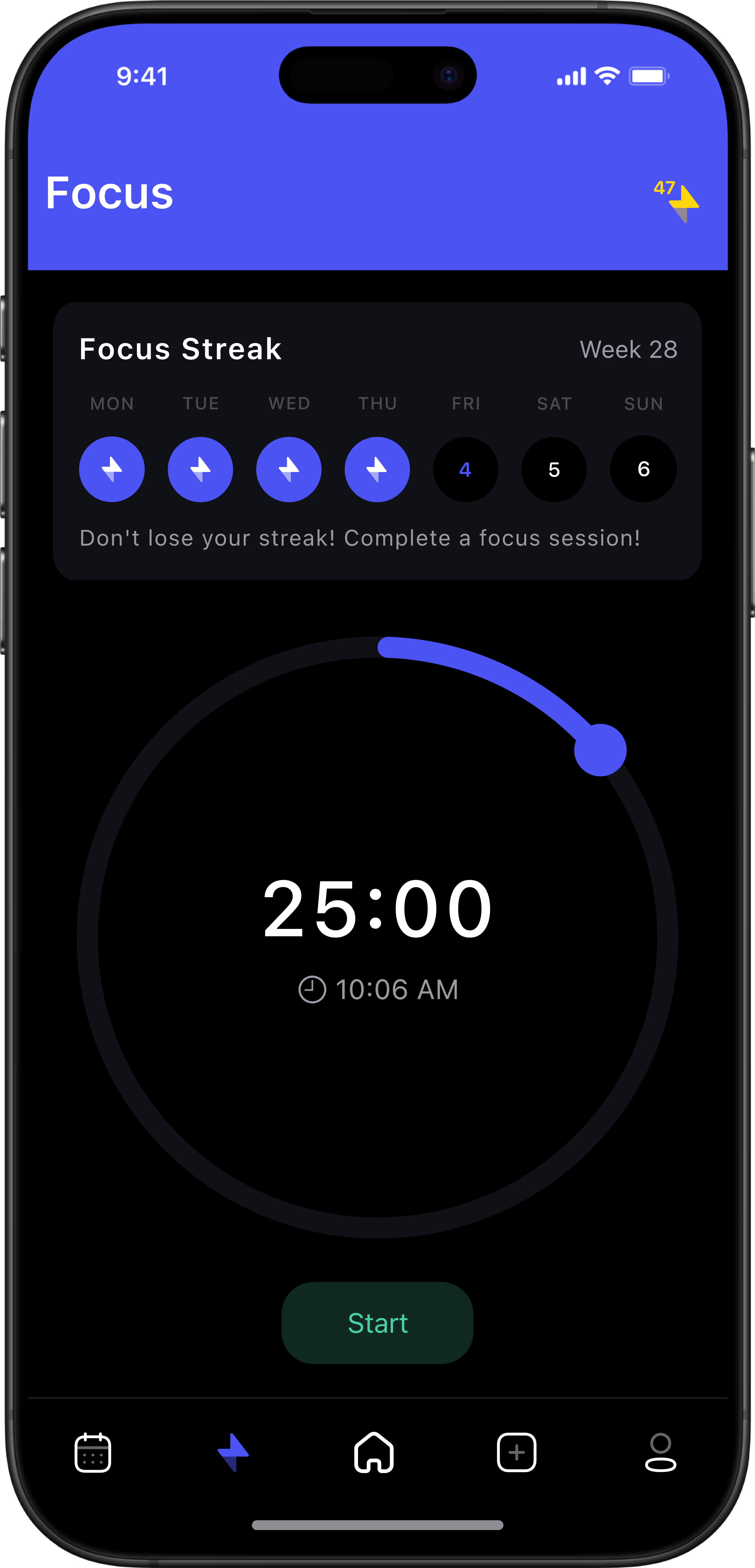
Pomodoro Timer

Deep Work Focus Mode. Start a focus session to block distractions and lock into what matters. Can’t mark a task complete until the timer ends.

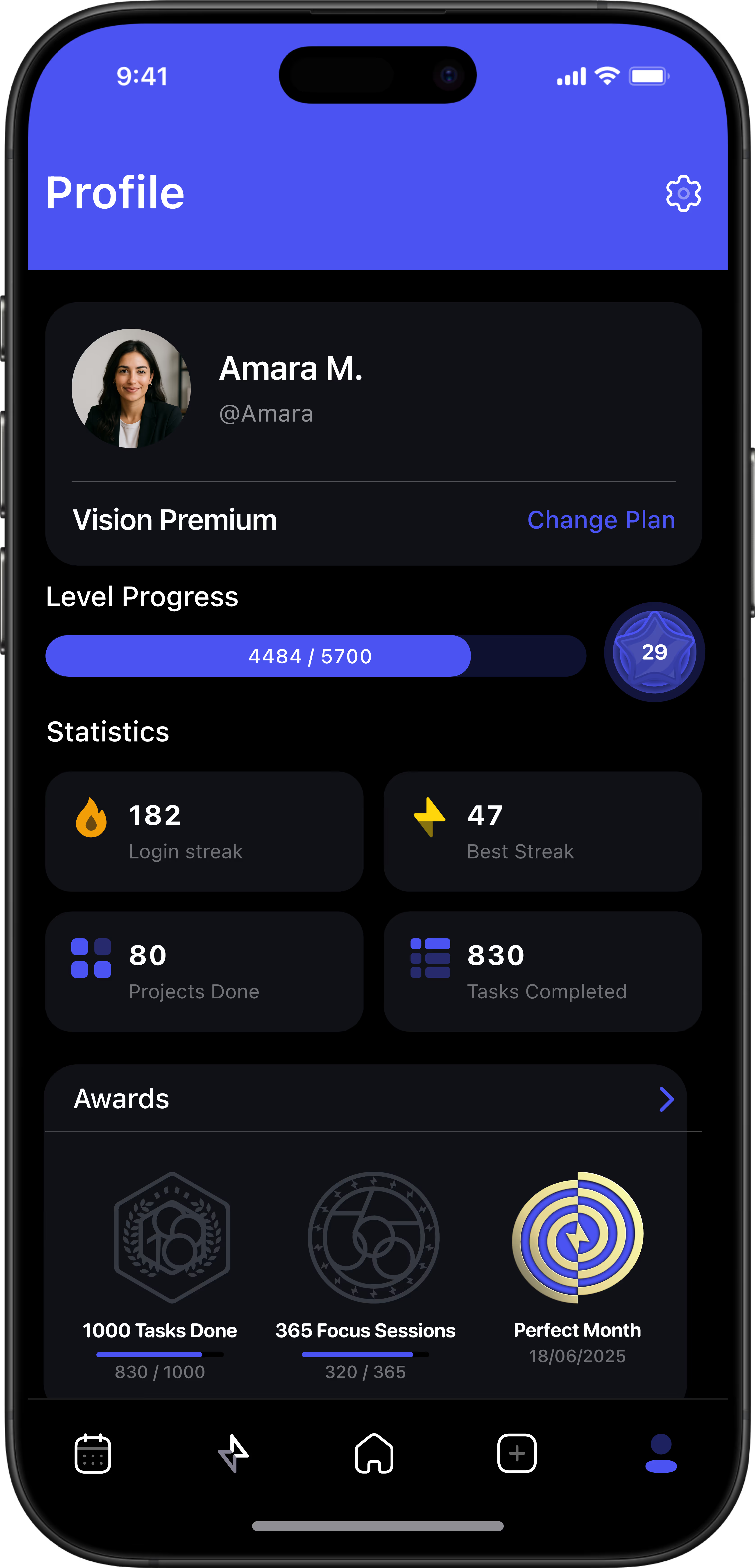
Earn XP. Streaks. Level Up.

Every action earns Vision XP, helping you build momentum and consistency. Track your growth, hit milestones, and level up both in app and in life.
FAQs

Questions & Answers

Who's behind Vision?

Vision was built by two co-founders who met in college, one with a background in Industrial engineering, entrepreneurship and project management, the other a genius data scientist, developer, AI and machine learning expert. We created Vision out of frustration juggling school, businesses, and passion projects. It’s the focused system we needed to plan better, stay consistent, and actually finish what we start.

How do I create a project?

Tap the “+” button on the Home screen, name your project, set your date range, and start adding tasks. It takes seconds to get started.

How do I edit a project?

Just long-press any project card on the home screen. This opens up the detail view, where you can rename the project, change the tag, edit tasks, or archive it.

How are projects organized?

Projects are displayed in a scrollable row on the homepage. Tap on a project to instantly filter the task list below, you’ll only see the tasks linked to that project. It’s a fast way to focus without losing context.

What is Focus Mode?

Focus Mode is a deep work timer. Once started, you can’t mark your task as done until the timer finishes. It’s like Pomodoro, but built for real accountability.

How do I reset my streak?

Streaks track your daily focus activity. Completing at least one focus session keeps your streak alive. Miss a day and the streak resets. Simple, motivating, and brutally honest.

Can I use Vision for habits too?

Not yet, but it’s on the way. Vision V2 will introduce a powerful habit system built to help you build routines, break bad habits, and stay consistent. You’ll be able to track progress, visualize momentum, and finally make your habits stick. It’s going to be big.

Can I use Vision offline?

Yes. Vision stores your data locally and syncs to iCloud when you’re back online.

Is my data private?

Completely. We don’t collect or sell your personal data. Your projects, tasks, and focus sessions live on your device and your iCloud, not ours.

Is Vision free?

Vision offers a 3-day free trial. After that, you can choose a subscription to unlock the full experience and support future updates.

Putting your focus first. Always.

🎉 You’re in! We’ll keep you updated with everything coming next.
Oops! Something went wrong while submitting the form.